Start with your hardware.
Use the Debian-based installer on a compatible 64-bit x86 machine. Create your administrator during installation.
YOUR HARDWARE. YOUR OWN CLOUD.
Storage, applications, virtual machines and surveillance.
One thoughtful interface. Entirely on your hardware.
ONE SYSTEM. ROOM FOR MORE.
A place for your files. A home for your applications.
And a clear view of everything in between.
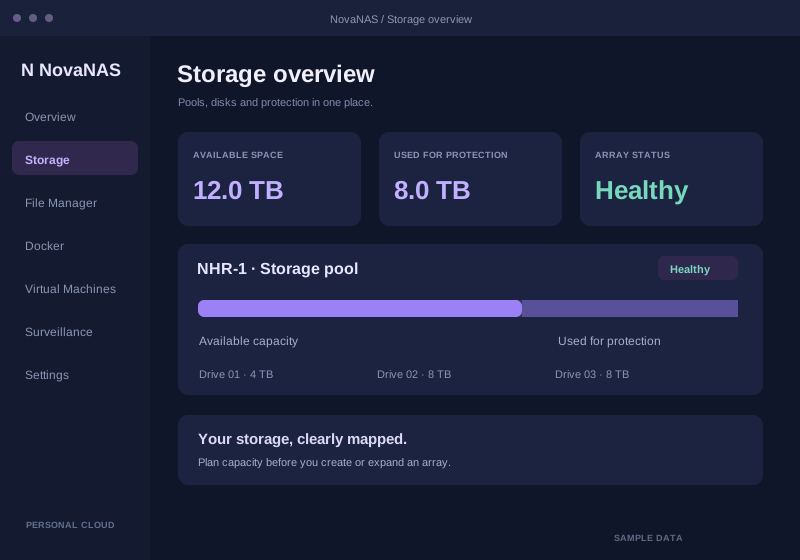
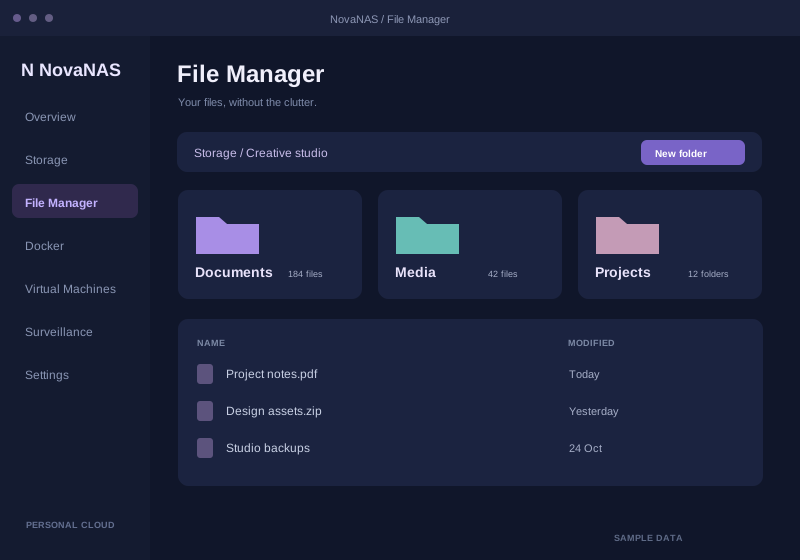
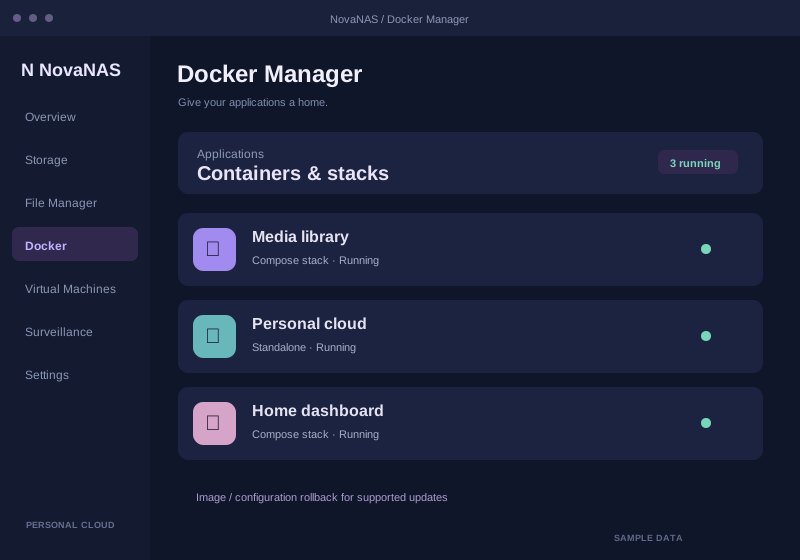
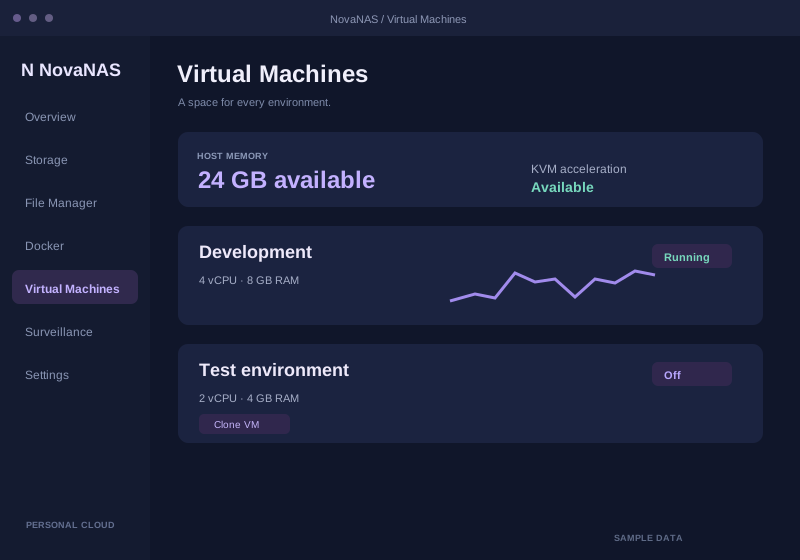
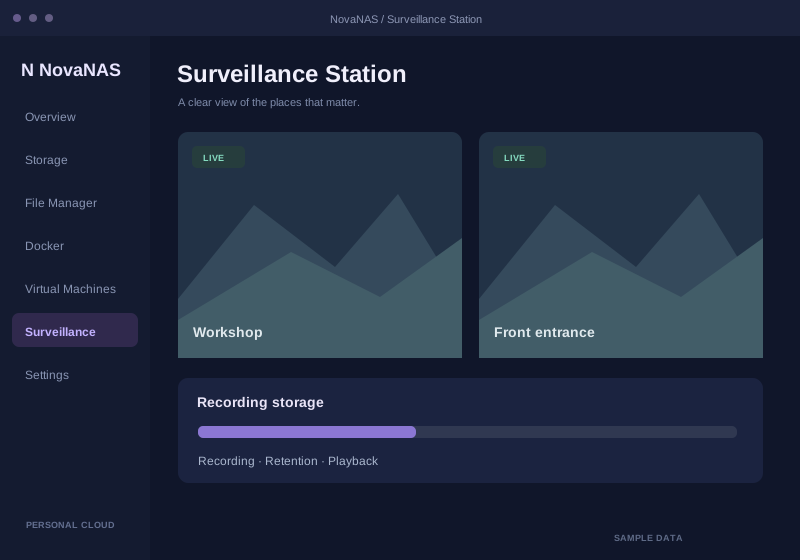
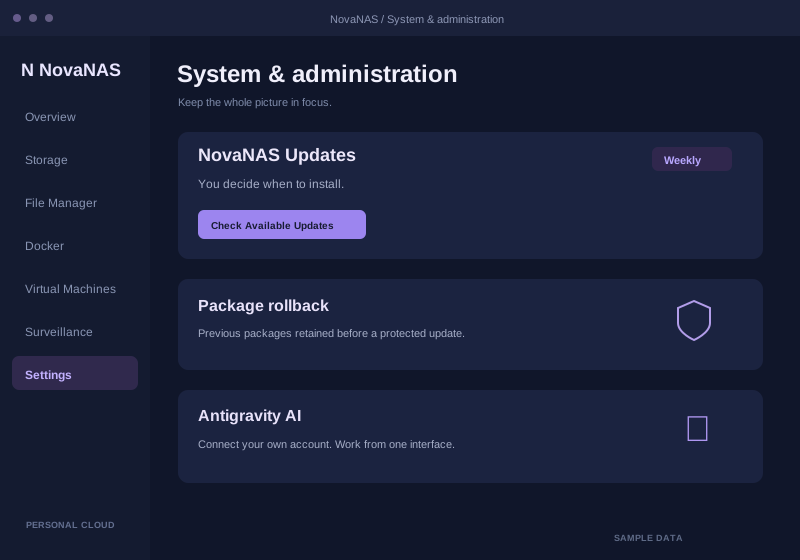
Workspace illustrations · sample data
A LITTLE MORE INDEPENDENCE.
Your NAS can be more than a place to put files. NovaNAS brings your storage and services together, so managing them feels like one connected experience.
Get to know the projectFROM HARDWARE TO HOME BASE.
Use the Debian-based installer on a compatible 64-bit x86 machine. Create your administrator during installation.
Open NovaNAS in your browser. Plan storage, create shares and add the applications or virtual machines you need.
Monitor your system, choose your update schedule and build a backup plan that fits your data.
THE NOVANAS FIELD GUIDE
Installation to administration. Everyday workflows to the architecture underneath. The project guide puts it all in one place.
 PROJECT DOCUMENTATIONNovaNAS
A FEW THINGS WORTH KNOWING.
Get the details before you get started.
The installer targets 64-bit x86 PCs with supported Debian hardware. Virtual machines need hardware virtualization and suitable resources. Specific controllers, Secure Boot and workload performance still need validation on your machine.
No. The weekly toggle controls checks for package and managed CLI updates. You choose when to install them. Container applications have their own update workflow in Docker Manager.
Protected package updates retain old packages and affected configuration. Supported Docker updates retain images and container configuration. Neither mechanism rewinds your files, database migrations or container volumes. Independent backups remain important.
Yes. New sharing links use the domain, HTTPS scheme and port you are connected through. Your DNS, certificate and proxy routes must also be configured so recipients can reach the link.
Each published ISO has a checksum and a validation report. The download dialog links to those actual files and shows the recorded status. Packaging checks do not replace a fresh-install or hardware compatibility test.